Adobe After Effects logo

Adobe After Effects

Version Latest  ·  Updated: June 4, 2026
Trial WindowsmacOS ★ 3.9 (860 ratings)

Professional motion graphics and visual effects software for film, television, and digital media production workflows.

John R. Lucas
John R. Lucas
Senior Image & Video Editor
LinkedIn ↗

Adobe After Effects — Key Facts

Latest Version
Latest
License
Trial
Platforms
Windows, macOS
Price
Free to download
Official Site
adobe.prf.hn
User Rating
★ 3.9 / 5 (860 ratings)

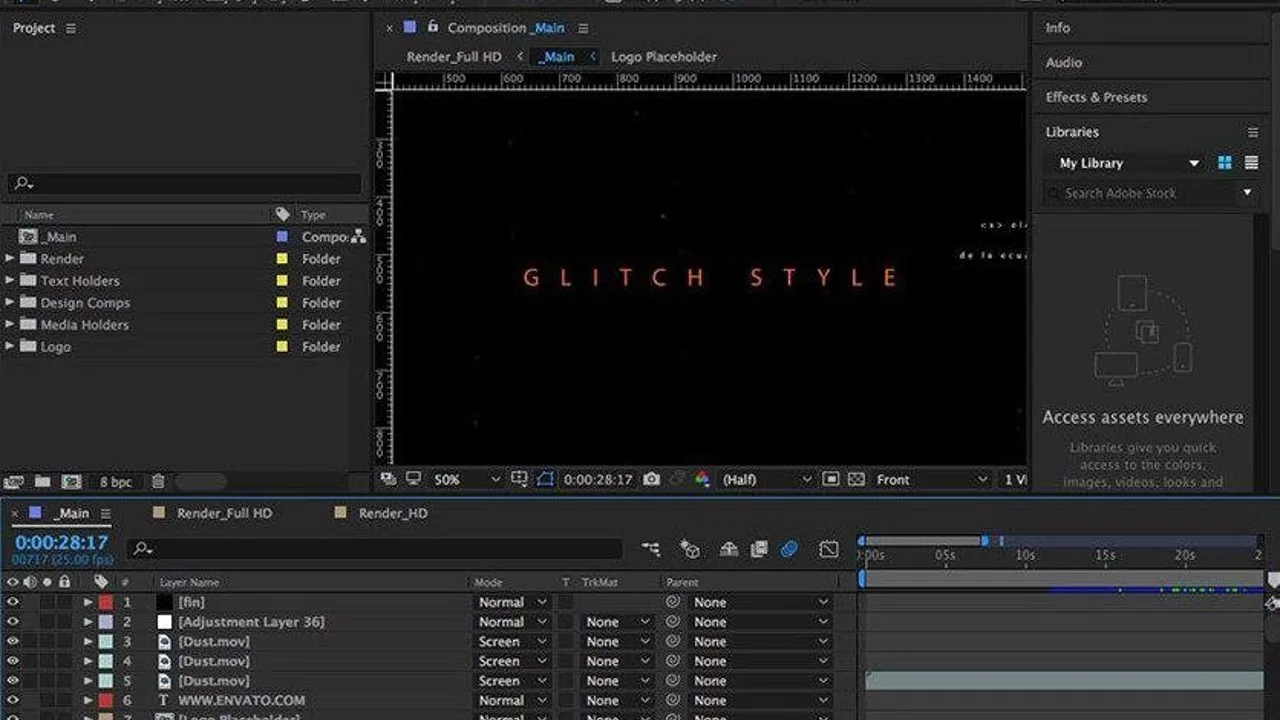
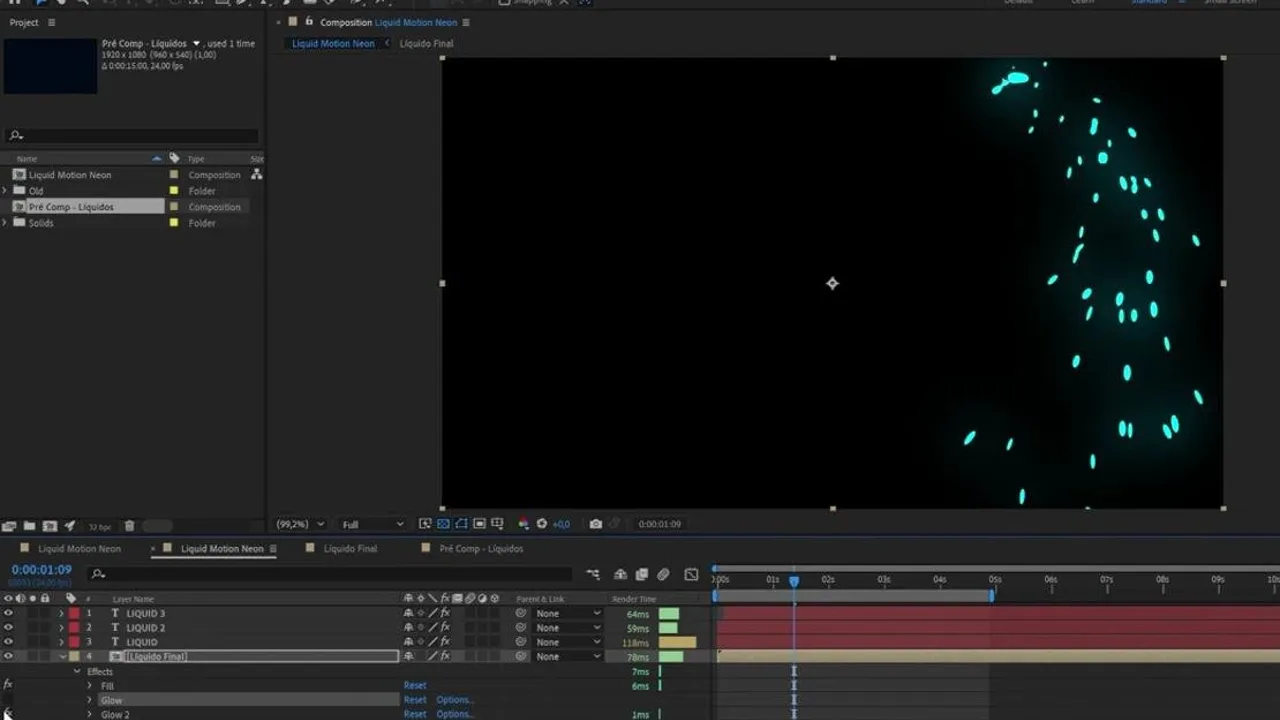
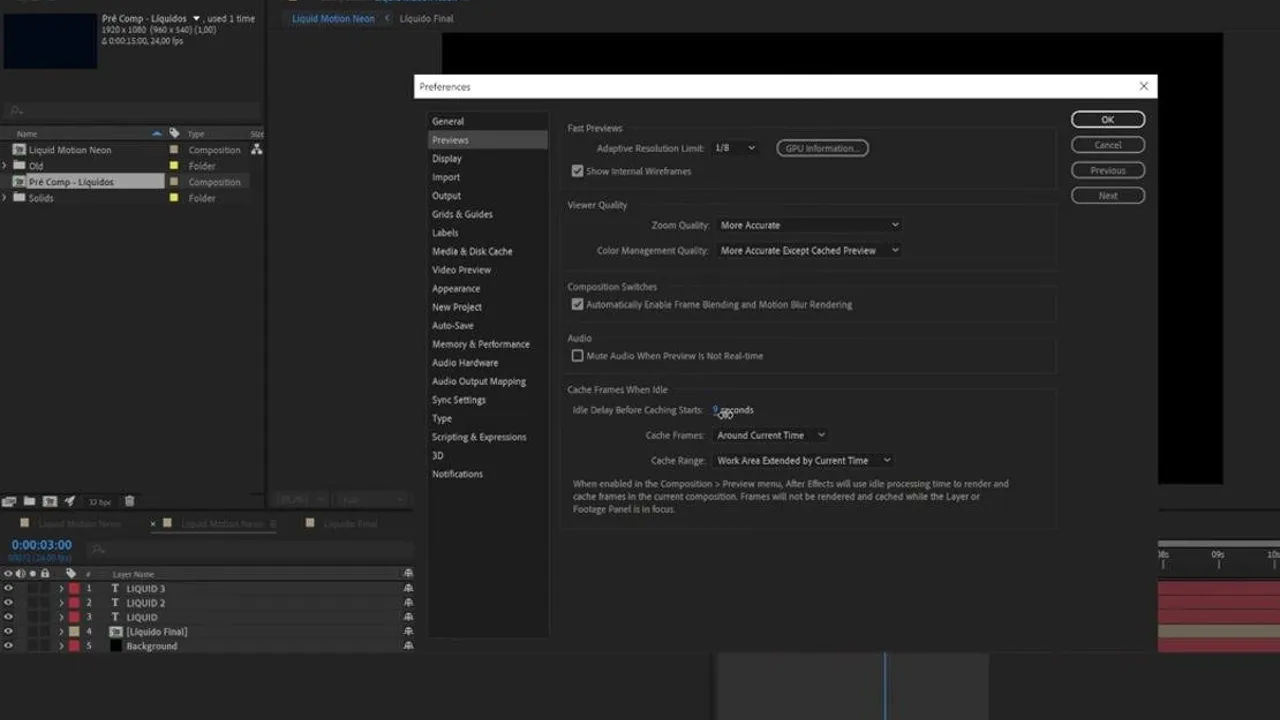
Adobe After Effects Screenshots

About Adobe After Effects

Adobe After Effects download delivers industry-standard motion graphics and visual effects capabilities for professional video production. Since 1993, this powerhouse application has defined the compositing field, offering advanced keyframe animation, 3D integration, and AI-powered tools like the Roto Brush for precise rotoscoping. The software excels at creating complex animations, title sequences, and cinematic effects that would be impossible in traditional video editors.

The timeline interface accommodates multiple composition layers, supporting various codecs including H.264, H.265, and ProRes for smooth integration with editing workflows. Export options span from web-ready MP4 files to broadcast-quality renders, with extensive control over frame rates and bitrates. The live Cinema 4D pipeline allows direct import of 3D models without pre-rendering, while the Expression system automates repetitive keyframe tasks. Color grading tools include LUT support and advanced compositing controls for professional output on windows and macos.

Performance demands are substantial—expect significant RAM usage on complex timelines and lengthy render times compared to simpler alternatives. The learning curve is steep, making this less accessible than entry-level motion graphics tools. However, the depth of features justifies the complexity for serious production work. Proxy workflows help manage large compositions, though preview playback can still stutter on resource-intensive projects with multiple effects layers.

After Effects operates on a trial basis with full Creative Cloud integration required for continued use. The professional feature set suits experienced motion designers and VFX artists rather than casual users. For those committed to learning its intricacies, it remains the gold standard for professional motion graphics work, though beginners might consider starting with more lightweight alternatives before tackling this thorough toolkit.

Adobe After Effects is a trial video editors available for Windows, macOS. Browse more professional software or nle programs.

Frequently Asked Questions

Does After Effects support 4K timeline playback without stuttering?
After Effects handles 4K timelines but performance varies significantly with project complexity. The software includes proxy workflow options to generate lower-resolution preview files for smoother scrubbing. RAM preview caching helps, but expect reduced frame rates on complex compositions with multiple effects layers. Professional workflows typically use proxies during editing and switch to full resolution only for final renders.
Can After Effects import Cinema 4D files directly?
Yes, After Effects features native Cinema 4D integration through the Cineware renderer. You can import .c4d files directly without pre-rendering, maintaining full access to cameras, lights, and object properties. The live pipeline updates automatically when source Cinema 4D files change. This integration requires Cinema 4D Lite (included) or full Cinema 4D for advanced features like subsurface scattering and advanced materials.
What video codecs does After Effects export for web delivery?
After Effects exports H.264 and H.265 codecs optimized for web platforms through Adobe Media Encoder integration. The software includes preset configurations for YouTube, Vimeo, and social media platforms with appropriate bitrate and resolution settings. WebM export is also available for cross-platform compatibility. Custom encoding settings allow fine control over compression quality and file size for specific delivery requirements.
Does the Roto Brush tool work with AI edge detection?
The Roto Brush 2.0 utilizes machine learning algorithms for intelligent edge detection and subject tracking. It automatically refines selections frame-by-frame, reducing manual rotoscoping work significantly compared to traditional masking methods. The tool learns from your initial brush strokes to propagate selections across the timeline. However, complex scenes with motion blur or similar colors still require manual refinement for professional-quality results.
John R. Lucas
Reviewed by John R. Lucas
Senior Image & Video Editor · PicturesQuePhotoVideo
Senior editor reviewing photo and video software since 2014. Based in Vancouver, BC. Specialises in RAW developer pipelines, color grading workflows, codec utilities and non-linear editor selection for desktop creators.
View LinkedIn profile ↗
Program Details
VersionLatest
LicenseTrial
PlatformsWindows, macOS
Developeradobe.prf.hn
UpdatedJune 4, 2026
CategoryVideo Editors
User Rating
3.9
860 ratings
More in Video Editors