
Adobe Photoshop Elements
Adobe's consumer photo editor delivers essential image editing tools with guided tutorials for beginners.

Adobe Photoshop Elements — Key Facts
- Latest Version
- Latest
- License
- Trial
- Category
- Photo Editors
- Price
- Free to download
- Official Site
- www.adobe.com
- User Rating
- ★ 4.7 / 5 (492 ratings)
Adobe Photoshop Elements Screenshots


About Adobe Photoshop Elements
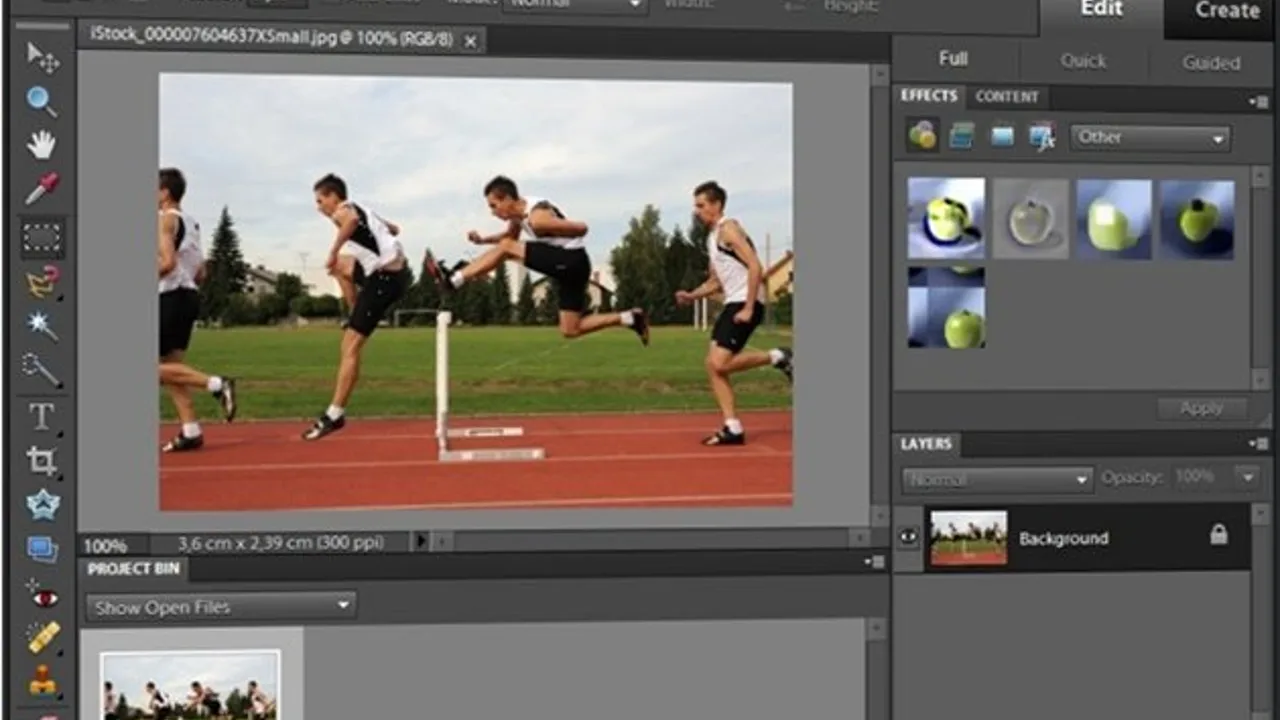
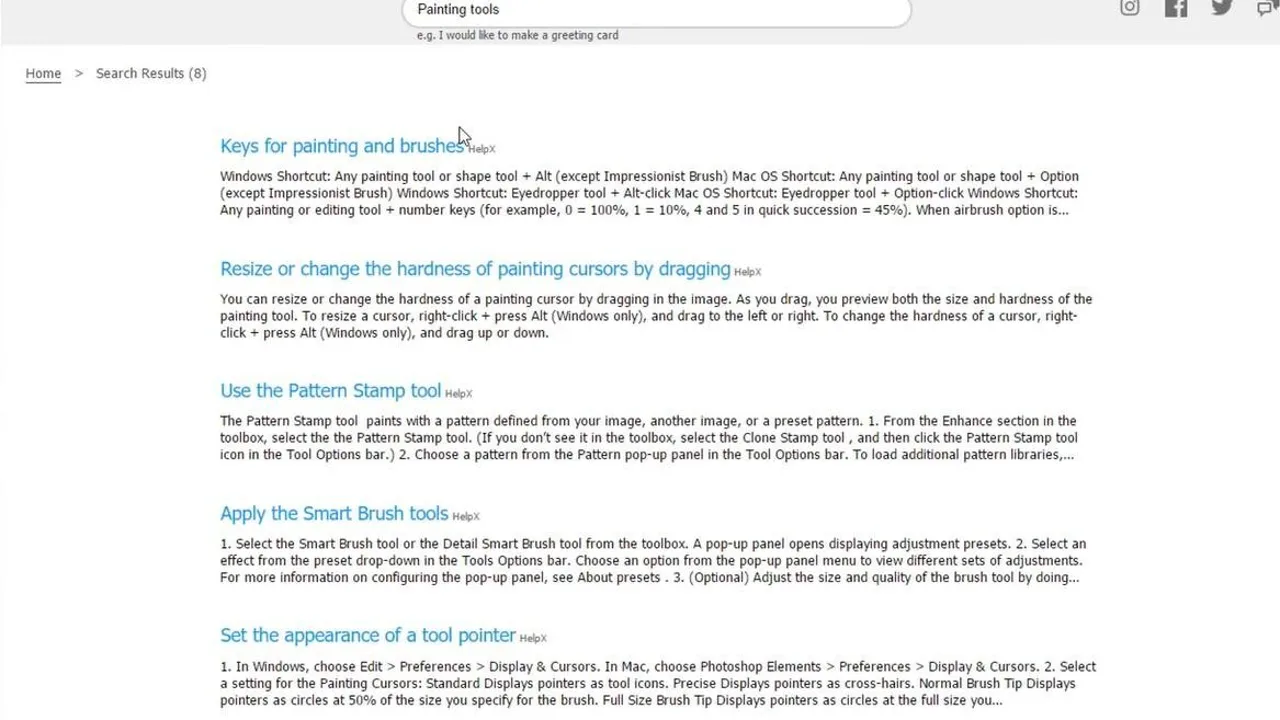
Adobe Photoshop Elements download gives home users and beginners access to core photo editing capabilities without the complexity of the full Photoshop suite. The interface opens with tutorial cards covering everything from red-eye removal to effect application. These guided workflows walk you through specific techniques step-by-step. Built-in search helps locate tutorials for particular editing needs. The program handles standard formats like JPEG, PNG, and TIFF with non-destructive editing layers for safe experimentation.
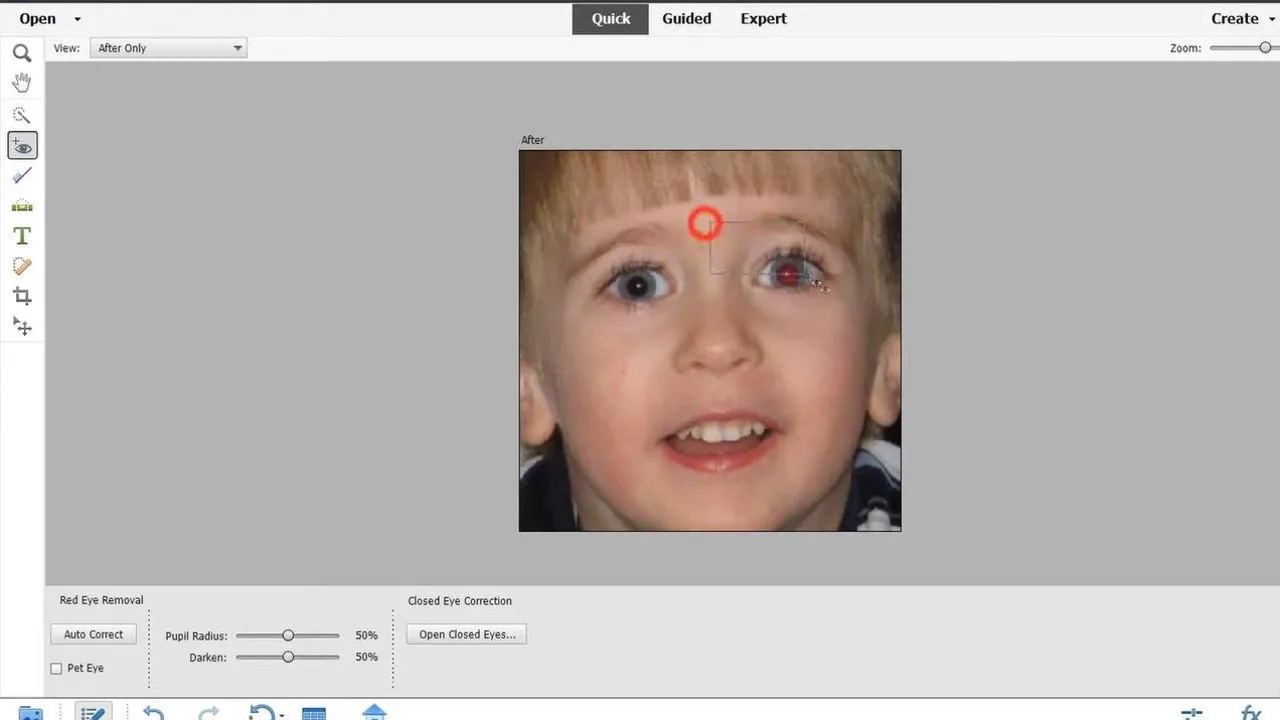
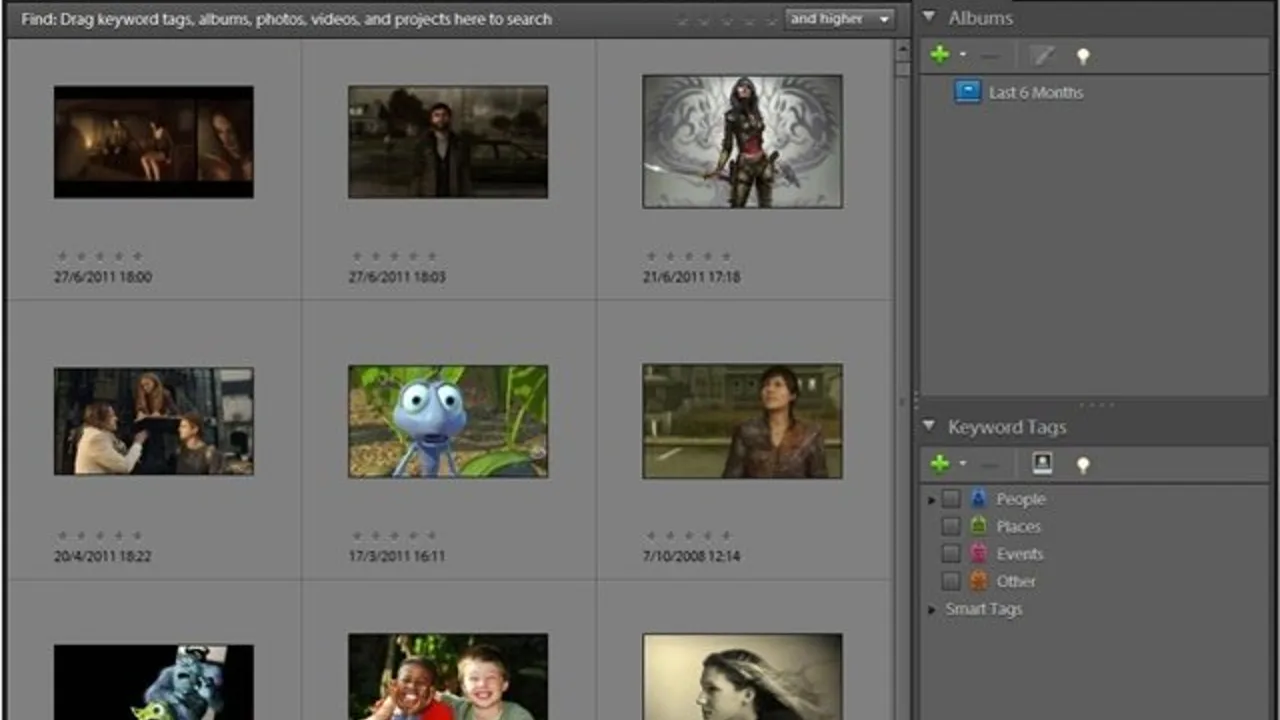
I drop RAW files into Elements and it processes them through its simplified Camera Raw interface. The red-eye tool requires drawing a selection rectangle around each eye rather than direct clicking. Face recognition automatically tags people across your photo library. The Photomerge panorama function stitches multiple images together, filling gaps at transition points automatically. Batch processing handles exposure and white balance corrections across entire folders. Color profiles maintain accuracy from import to export.
Elements lacks the advanced masking tools and professional color grading found in adobe photoshop or photo editors like Affinity Photo. The histogram display is simplified compared to professional tools. Curves adjustments are present but limited to basic RGB channels. Plugin support is restricted to Adobe's own extensions. Performance with large TIFF files occasionally stutters on older machines. The metadata panel shows basic EXIF data without advanced editing capabilities.
This trial software targets casual photographers who want more control than basic apps provide. Windows and macOS users get identical feature sets. Unlike Adobe's subscription Creative Cloud, Elements uses traditional one-time licensing. The program fits between smartphone editors and professional raw processors. Built-in tutorials make it accessible for users transitioning from automatic editing tools to manual adjustments.
Adobe Photoshop Elements is a trial photo editors available for Windows, macOS. Browse more raw software or beginner programs.