GIMP logo

GIMP

Version Latest  ·  Updated: June 4, 2026
Open Source WindowsmacOSLinuxAndroidiOS ★ 3.8 (380 ratings)

Open-source image editor offering professional photo manipulation capabilities with layer support and extensive filter collection.

John R. Lucas
John R. Lucas
Senior Image & Video Editor
LinkedIn ↗

GIMP — Key Facts

Latest Version
Latest
Price
Free to download
Official Site
gimp.org
User Rating
★ 3.8 / 5 (380 ratings)

GIMP Screenshots
About GIMP

GIMP download delivers the GNU Image Manipulation Program, an open-source alternative to Adobe Photoshop that handles professional photo editing tasks without subscription fees. The software supports advanced layer operations, non-destructive editing workflows, and thorough color management through ICC profiles. GIMP processes RAW files, applies curves adjustments, and exports to JPEG, PNG, TIFF formats while maintaining original metadata and EXIF data.

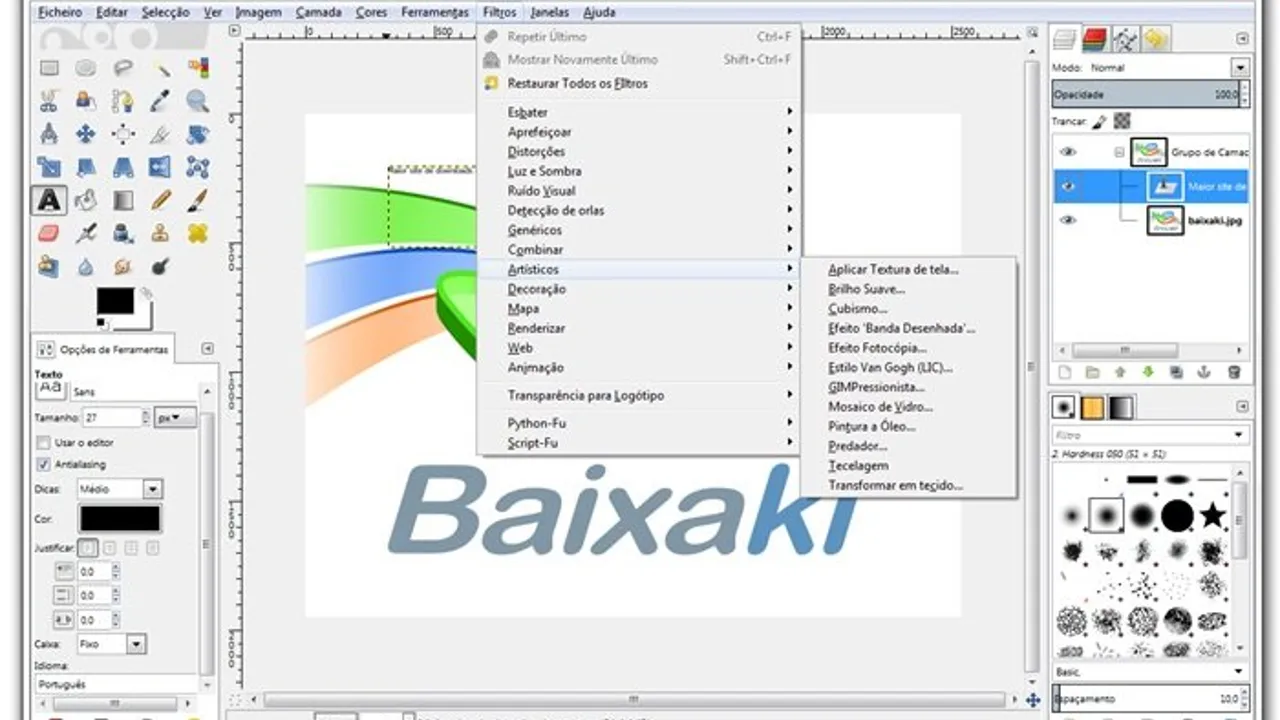
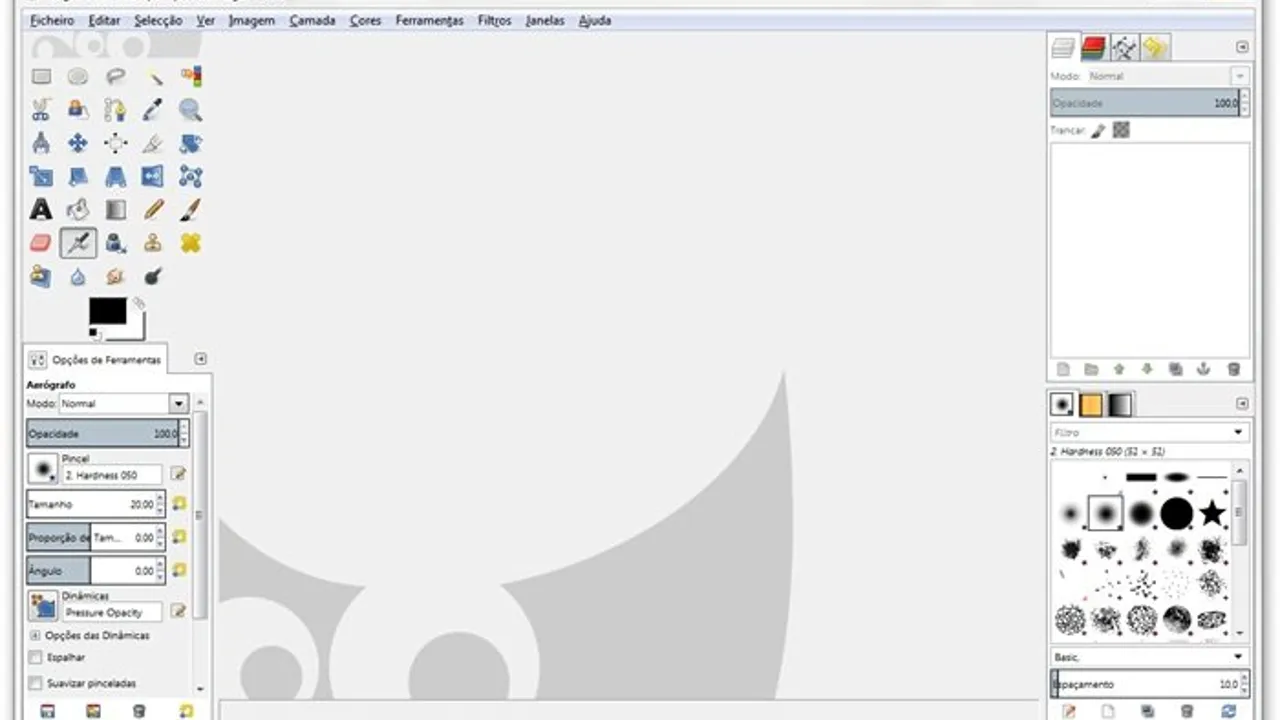
The interface features single-window mode since version 2.8, consolidating tools, layers panel, and canvas into one workspace. Users access filters through organized menus, create complex selections with mask tools, and batch process multiple images through scripting. The histogram panel displays real-time exposure analysis while blend modes enable sophisticated compositing. Export functionality uses Ctrl+Shift+E shortcut, handling format conversion and compression automatically.

GIMP 2.10 introduced GEGL-based processing, eliminating the previous 8-bit limitation and enabling 32-bit color depth workflows. Performance scales well on multi-core systems, though memory usage increases with large files exceeding 4K resolution. The photo editors software competes directly with premium solutions while maintaining open source accessibility across windows, macos, and linux systems.

This open source editor suits photographers requiring professional retouching capabilities without licensing costs. The plugin architecture extends functionality through third-party filters, while white balance correction and crop tools handle common adjustment tasks efficiently. GIMP's 29-year development history since 1995 demonstrates sustained community support, making it reliable for both free hobbyist work and commercial professional projects requiring extensive image manipulation features.

GIMP is a open source photo editors available for Windows, macOS, Linux, Android, iOS. Browse more open source software or free programs.

Frequently Asked Questions

Does GIMP support RAW file processing from DSLR cameras?
Yes, GIMP handles RAW files through the UFRaw plugin and native support for common formats like CR2, NEF, and ARW. The software processes RAW data with adjustable white balance, exposure compensation, and color temperature controls. GIMP 2.10 improved RAW workflow integration with GEGL processing. Users can import RAW files directly through File > Open, maintaining 16-bit color depth throughout the editing process.
Can GIMP handle batch processing of multiple photos simultaneously?
Partially, GIMP offers batch processing through Script-Fu scripting and the BIMP plugin extension. Users can apply filters, resize operations, and format conversions to hundreds of images automatically. The Filters > Batch menu provides preset actions for common tasks like watermarking and color correction. However, batch functionality requires plugin installation and script knowledge for complex operations beyond basic resize and export tasks.
Does GIMP offer non-destructive editing like Photoshop's adjustment layers?
No, GIMP lacks true adjustment layers in versions prior to 3.0, requiring workarounds for non-destructive workflows. Users must duplicate layers before applying destructive filters like Curves or Color Balance. GIMP 3.0 introduces non-destructive layer effects similar to Photoshop's smart objects. Current versions support layer masks and blend modes for some non-destructive compositing. The upcoming 3.0 release addresses this limitation with modern layer effect architecture.
What maximum file size and color depth does GIMP support?
GIMP handles files up to 4GB with 32-bit floating-point color depth since version 2.10. The software processes images at 262,144 x 262,144 pixel resolution maximum, suitable for large format printing and professional photography. Memory requirements scale with file size, typically needing 3-5x the file size in RAM. GIMP supports 16-bit per channel workflows, maintaining color accuracy throughout complex editing operations on high-resolution images.
John R. Lucas
Reviewed by John R. Lucas
Senior Image & Video Editor · PicturesQuePhotoVideo
Senior editor reviewing photo and video software since 2014. Based in Vancouver, BC. Specialises in RAW developer pipelines, color grading workflows, codec utilities and non-linear editor selection for desktop creators.
View LinkedIn profile ↗
Program Details
VersionLatest
LicenseOpen Source
PlatformsWindows, macOS, Linux, Android, iOS
Developergimp.org
UpdatedJune 4, 2026
CategoryPhoto Editors
User Rating
3.8
380 ratings
More in Photo Editors