
Krita
Krita is a thorough digital painting and illustration program with advanced brush engines and layer management.

Krita — Key Facts
- Latest Version
- 2.5
- License
- Open Source
- Category
- Photo Editors
- Price
- Free to download
- Official Site
- krita.org
- User Rating
- ★ 4.6 / 5 (128 ratings)
Krita Screenshots
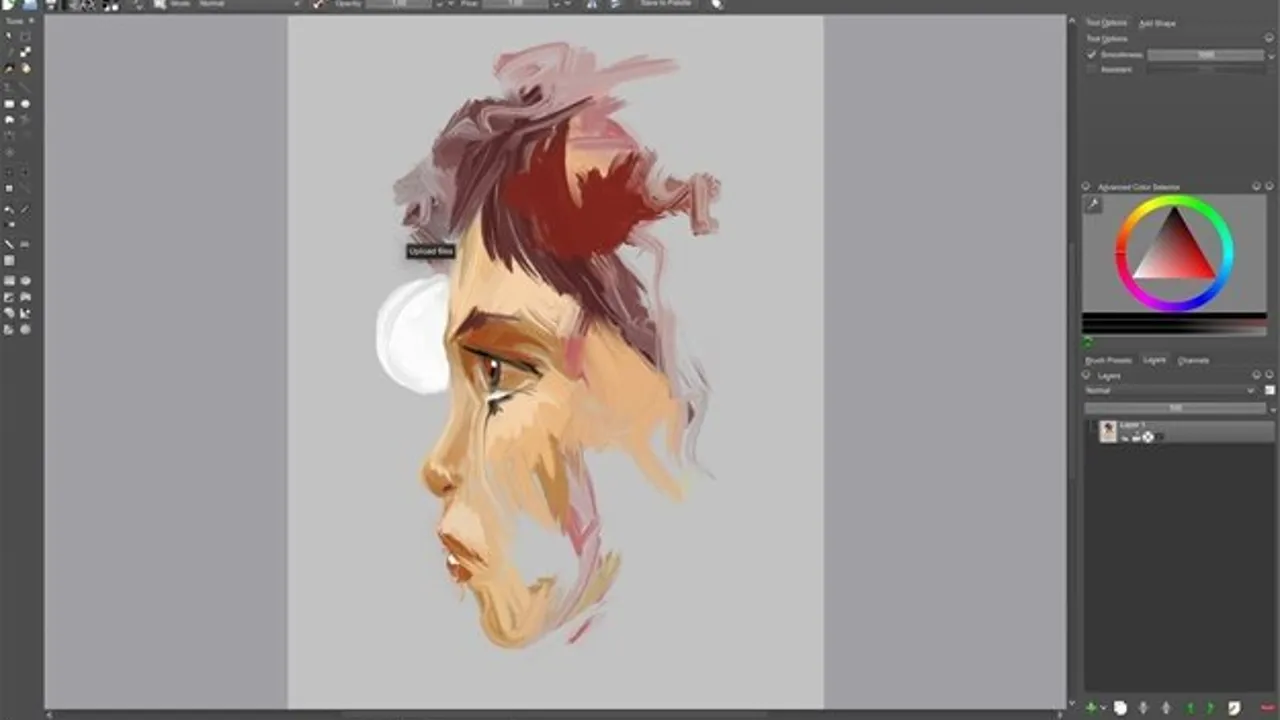
About Krita
Krita download provides a professional digital painting application designed primarily for concept artists, illustrators, and texture artists rather than traditional photo editing workflows. While this photo editors tool can handle basic image processing tasks, its strength lies in creating original artwork from scratch. The program supports multiple color profiles including RGB, CMYK, and Lab color spaces, making it suitable for both digital and print workflows. Version 2.5 introduced textured painting capabilities that enable more natural brush strokes, particularly beneficial for digital artists seeking realistic painting effects.
The software handles standard image formats like JPEG, PNG, and TIFF while maintaining non-destructive layer workflows. Users can import PDF files with proper resolution and anti-aliasing support, though metadata compatibility varies across camera manufacturers. The layer composition management system allows artists to create and toggle between different visibility combinations within the same project. This feature proves invaluable when developing storyboards or exploring alternative compositions. Graphics tablet support ensures pressure sensitivity works correctly across major brands, while customizable keyboard shortcuts provide quick access to opacity, luminosity, and layer operations.
Performance remains solid even with complex multi-layer compositions, though Krita focuses more on painting workflows than batch processing capabilities found in dedicated photo editors. The Smudge tool received significant improvements in this release, offering smoother blending compared to previous versions. Unlike photoshop or gimp, Krita deliberately omits certain photo-specific features like advanced noise reduction or lens correction filters. The development team, active since 2005, acknowledges that users seeking primarily photo enhancement or cataloging functions might find specialized alternatives more suitable.
This open source application runs natively on windows, macos, and linux systems without licensing restrictions. Digital artists working in illustration or concept art will appreciate the extensive brush library and color grading tools. The program excels at creating original artwork but may disappoint photographers expecting reliable RAW processing or batch editing capabilities. For creative professionals seeking a free alternative to commercial painting software, Krita delivers impressive functionality without subscription fees.
Krita is a open source photo editors available for Windows, macOS, Linux. Browse more open source software or free programs.