Paint 3D
A free Windows drawing tool that combines classic 2D painting with accessible 3D object creation and scene compositing.

Paint 3D — Key Facts
- Latest Version
- Latest
- License
- Free
- Platforms
- Windows
- Category
- Photo Editors
- Price
- Free to download
- User Rating
- ★ 3.8 / 5 (832 ratings)
- Tags
- free, beginner, 3d, illustration
Paint 3D Screenshots
About Paint 3D
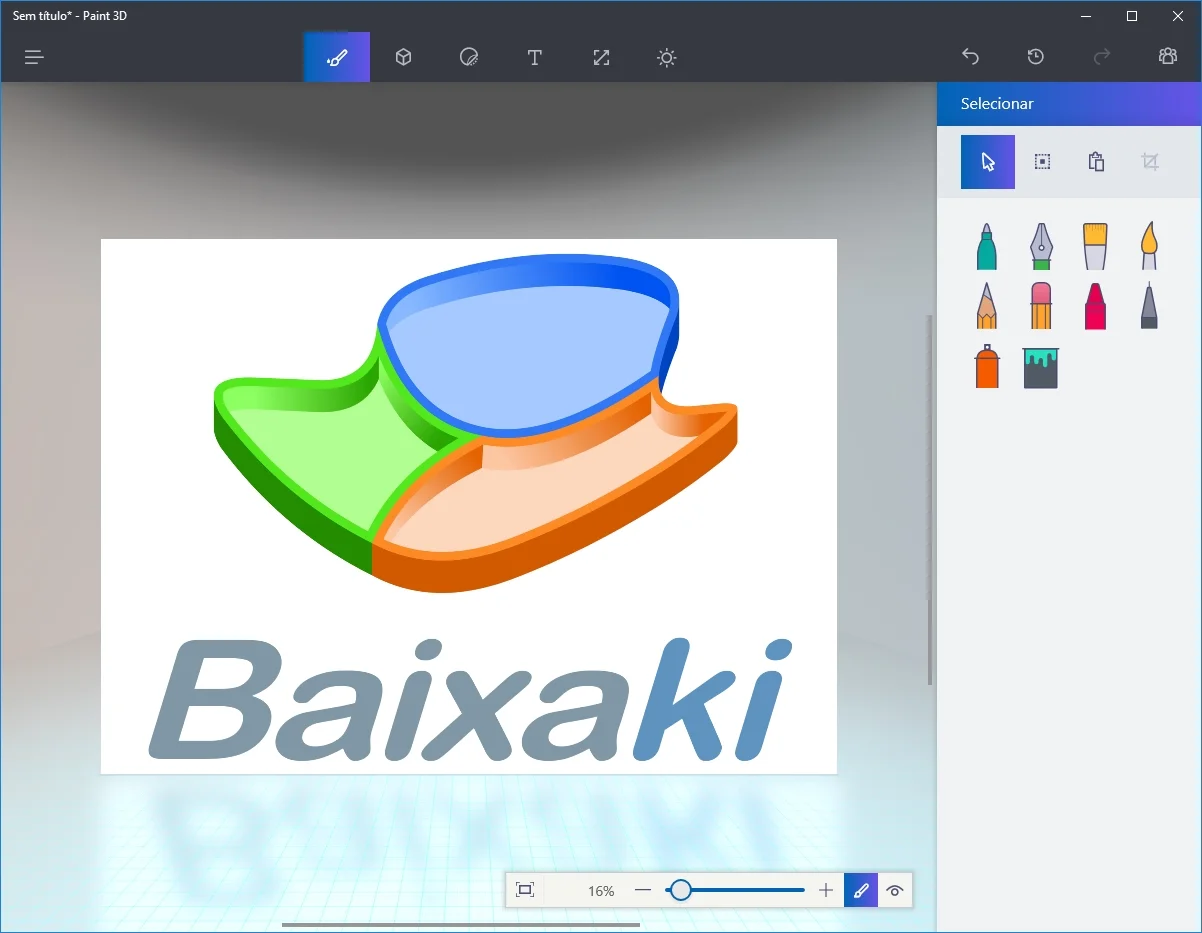
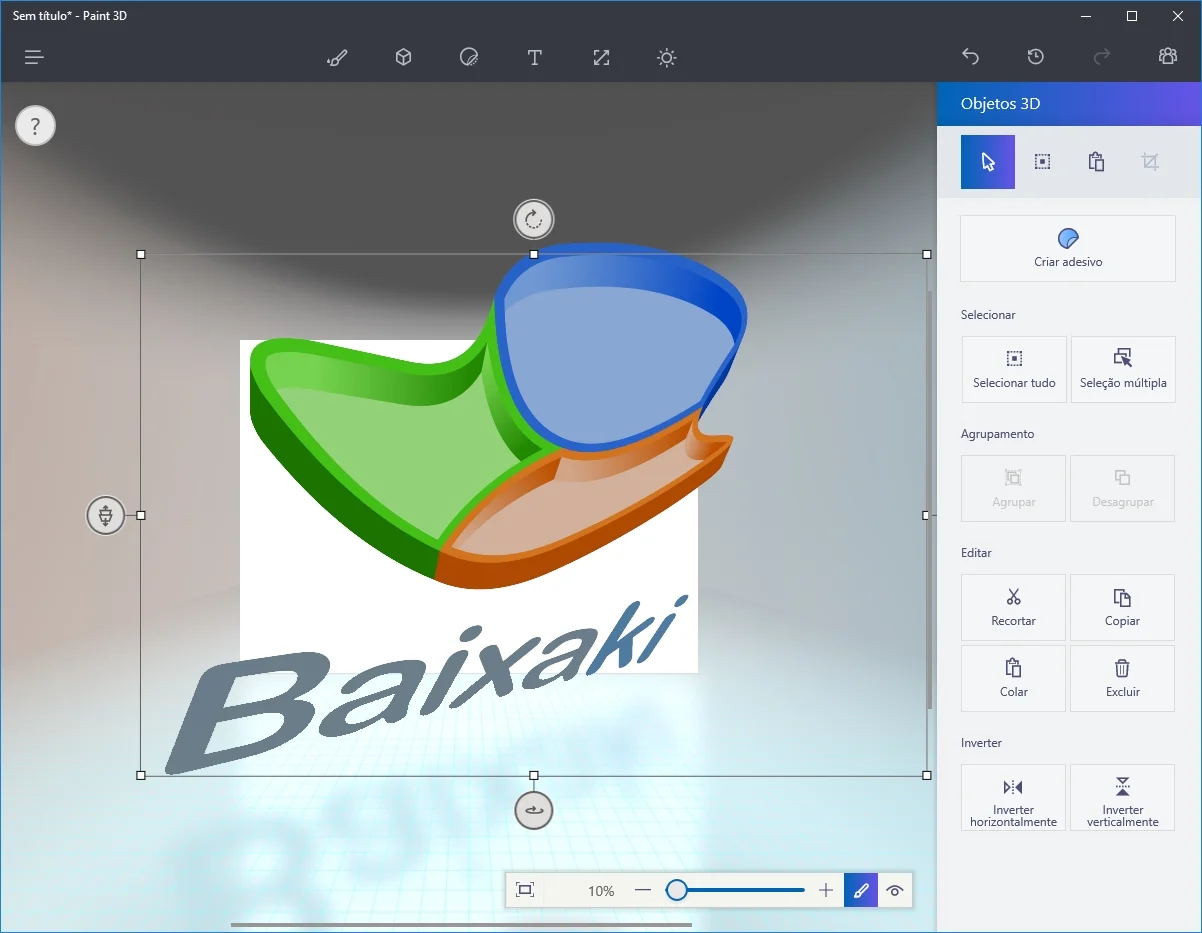
Paint 3D download gives Windows users a built-in creative tool that bridges flat pixel art and elementary 3D modeling in one interface. Microsoft ships it as a free replacement for the legacy Paint app, targeting casual creators, students, and educators who want results fast. The 3D Objects tab lets you drop pre-built shapes — spheres, cylinders, toruses — directly onto the canvas, set their color profile, and reposition them with a rotation handle. No prior 3D experience required. photo editors windows
On the 2D side, Paint 3D supports saving to PNG, JPEG, and its native .3mf format for 3D scenes. There is no RAW file support, no histogram panel, and no curves or white balance controls — it is not a RAW developer. The layer system is rudimentary: you can stack 2D stickers and 3D objects but cannot apply non-destructive blend modes or adjustment layers the way Photoshop does. Exporting a finished scene to PNG is three clicks: Menu → Save As → PNG. Filter options are limited to a handful of texture overlays. No batch processing, no metadata or EXIF editing, no TIFF output. free
Compared to GIMP — a proper gimp layer editor with masks, selection tools, and full color-grading support — Paint 3D is deliberately shallow. It lacks plugin support, exposure controls, and any crop tool more advanced than a simple rectangle. Performance on a mid-range Windows 10 or 11 machine is fast: a 1920×1080 canvas with six 3D objects redraws without stutter. The 3D-from-2D extrusion feature, which converts a flat drawing into a paper-cutout-style 3D object, is the one capability competitors in this price tier do not match. beginner
The verdict is straightforward. Paint 3D is a free entry-level tool best suited to classroom projects, quick illustrated mockups, and users exploring 3D concepts for the first time. It will not replace a dedicated photo editor for anyone who needs RAW processing, adjustment masks, or professional color output. No paywall. No subscription. If you need more depth, the photo editors catalogue lists several capable free alternatives with full layer and blend support.
Paint 3D is a free photo editors available for Windows. Browse more free software or beginner programs.